In the rapidly evolving landscape of artificial intelligence, the seamless integration of Large Language Models (LLMs) with diverse data sources and tools has become a pressing need. Enter the Model Context Protocol (MCP) — an open standard designed to streamline this integration process.
What is MCP?
The Model Context Protocol (MCP) is an open protocol that standardizes how applications provide context to LLMs. Think of MCP like a USB-C port for AI applications. Just as USB-C provides a standardized way to connect your devices to various peripherals and accessories, MCP provides a standardized way to connect AI models to different data sources and tools.
Why MCP Matters
Before MCP, integrating AI models with various tools required custom connectors for each data source, leading to a complex and fragmented system. MCP addresses this challenge by offering.
- Standardization: A unified protocol that reduces the complexity of connecting AI models to diverse tools.
- Flexibility: The ability to switch between different LLM providers without overhauling integrations.
- Security: Best practices for securing data within your infrastructure.
This standardization simplifies the development of AI applications, making it easier to build agents and complex workflows on top of LLMs.
MCP Architecture
At its core, MCP follows a client-server architecture:
-
MCP Hosts: Applications like Claude Desktop, IDEs, or AI tools that want to access data through MCP.
-
MCP Clients: Protocol clients that maintain 1:1 connections with servers.
-
MCP Servers: Lightweight programs that expose specific capabilities through the standardized Model Context Protocol.
-
Local Data Sources: Your computer’s files, databases, and services that MCP servers can securely access.
Remote Services: External systems available over the internet (e.g., through APIs) that MCP servers can connect to.
This architecture enables developers to either expose their data through MCP servers or build AI applications (MCP clients) that connect to these servers.
Real-World Applications
MCP has been applied across various domains.
- Software Development: Integrated development environments (IDEs) like Zed and platforms like Replit have integrated MCP to provide coding assistants with real-time code context.
- Enterprise Assistants: Companies like Block use MCP to allow internal assistants to retrieve information from proprietary documents, CRM systems, and company knowledge bases.
- Natural Language Data Access: Applications like AI2SQL leverage MCP to connect models with SQL databases, enabling plain-language information retrieval.
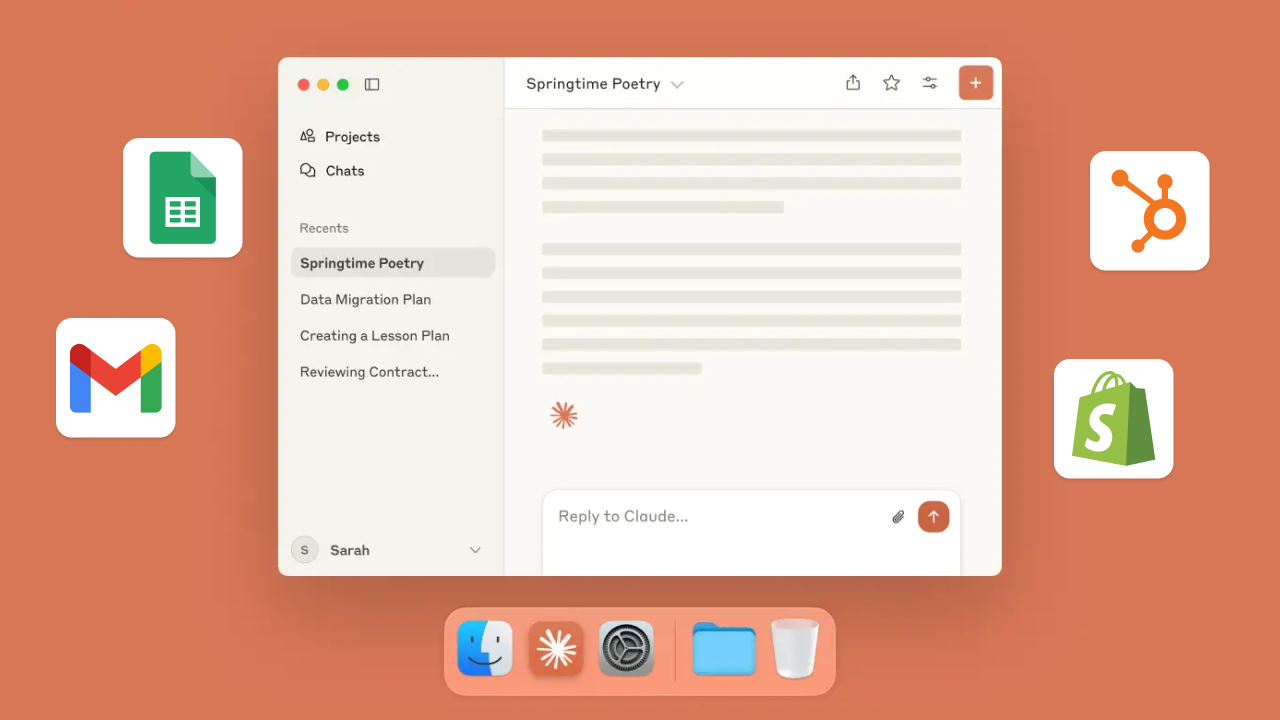
- Desktop Assistants: The Claude Desktop app runs local MCP servers to allow the assistant to read files or interact with system tools securely.
- Multi-Tool Agents: MCP supports agentic AI workflows involving multiple tools, enabling chain-of-thought reasoning over distributed resources.
Getting Started with MCP
For developers interested in implementing MCP:
-
Quick Starts: Guides are available for server developers, client developers, and Claude Desktop users.
-
Examples: A gallery of official MCP servers and implementations is provided.
-
Tutorials: Resources on building MCP with LLMs, debugging, and using the MCP Inspector are available.
These resources are designed to help developers build agents and complex workflows on top of LLMs using MCP.
Conclusion
The Model Context Protocol represents a significant step forward in AI integration, offering a standardized, secure, and flexible approach to connecting LLMs with various tools and data sources. By simplifying the integration process, MCP empowers developers to build more sophisticated and context-aware AI applications.
Sources: Wikipedia & MCP introduction